Getting Started: Onboarding & Login
Overview
Agent accounts are provisioned by the back office — there is no self-registration or sign-up in this app. First launch shows a permission prompt, splash, a 3-slide onboarding carousel, then login.
!!! note "First-time launch sequence" Per the functional spec: Notification permission request → Splash Screen → Onboarding → Login. The notification permission prompt and splash screen aren't captured in screenshots yet since they're OS-level/momentary — flag if you want those documented too.
Onboarding Carousel
3 slides, each with a Skip link (top right) that jumps straight to login.
| Slide | Headline | Message |
|---|---|---|
| 1 | Welcome to iDARMS | Property Verification and Bill Distribution |
| 2 | Registration | Register Properties and Rate Payers — with callouts for Property Inspection, Upload documents, Property registration |
| 3 | Verify and Start | Verify Assigned Properties |
The button reads Next on slides 1–2 and GET STARTED on the final slide.

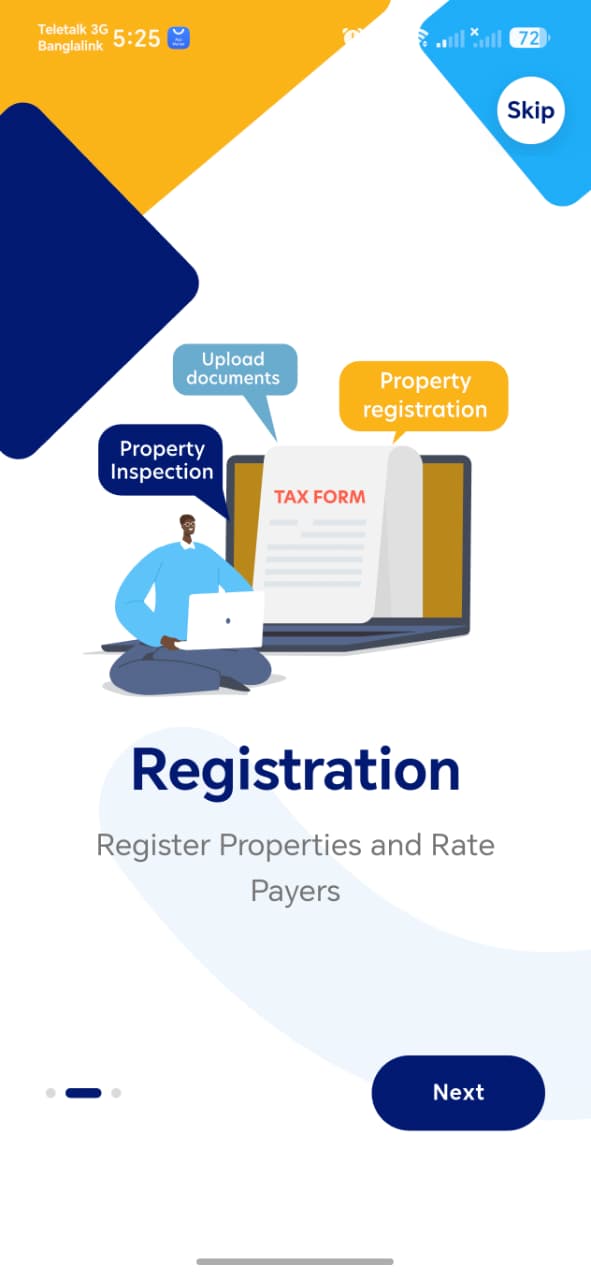
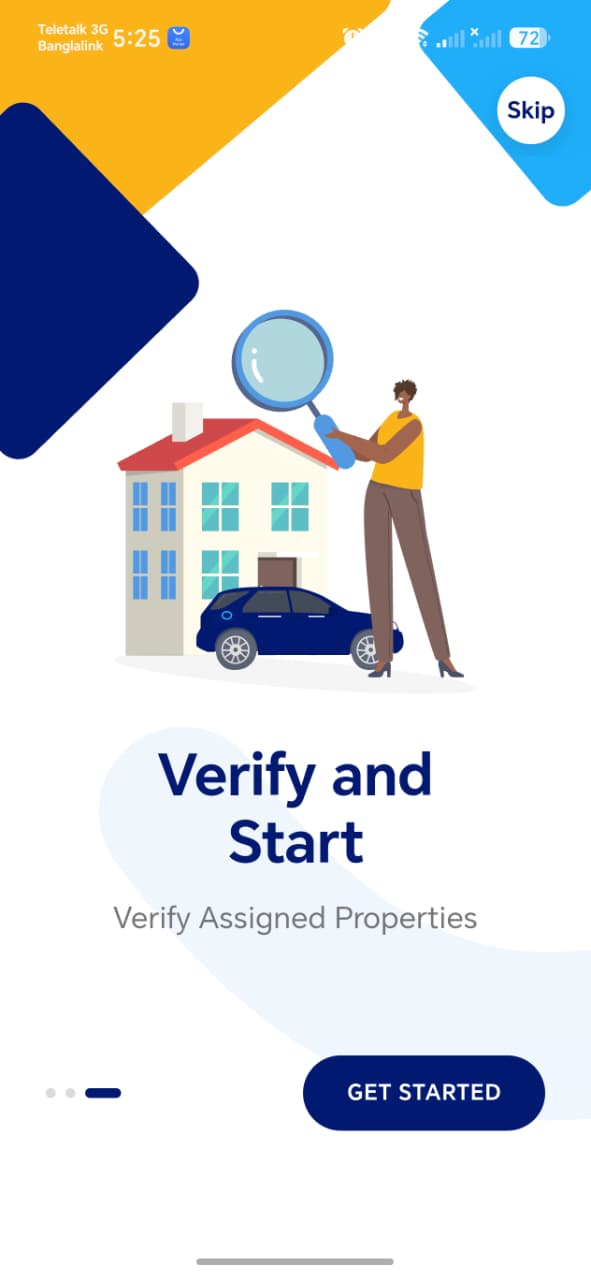
!!! tip "Things to check" - Skip works from every slide, not just some - Dot indicator position matches the current slide - GET STARTED on the last slide correctly opens Login, not onboarding again
Login
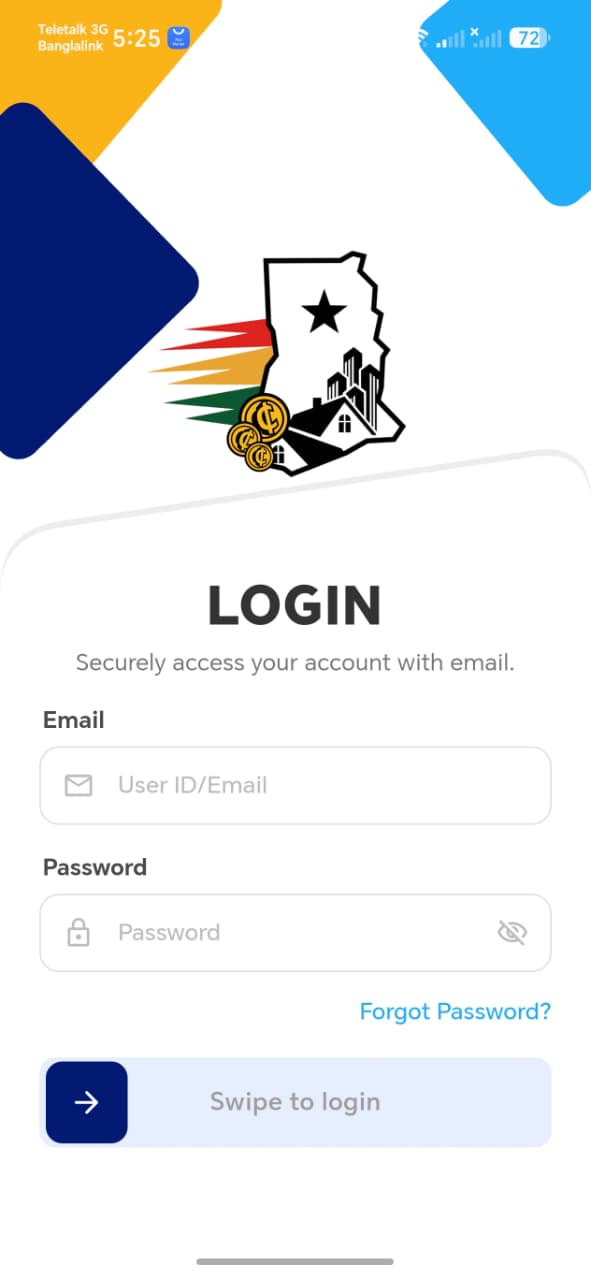
Standard email/password login — no phone tab, no sign-up link, consistent with agents being provisioned rather than self-registering.
| Field | Required | Notes |
|---|---|---|
| Email (User ID/Email) | Yes | Accepts either a User ID or an email, per the placeholder |
| Password | Yes | Show/hide toggle |
Swipe to login — a swipe-to-confirm control rather than a tap button. Forgot Password? link sits just above it.
!!! tip "Things to check" - Swipe to login requires an actual swipe gesture, not just a tap — confirm it doesn't accidentally trigger from a light tap - Wrong credentials show a clear error rather than the swipe silently resetting - Login accepts both a User ID and an email in that same field, if that's genuinely intended by the placeholder text - Confirm there is truly no path to self-register from this screen, matching the "no Create Account" behavior in the spec
See Forgot Password for the password reset flow.